
Pinned

1d •
🔥 THE HOT SEAT: SUBMIT YOUR VIDEO FOR APRIL’S CRITIQUE
The fastest way to stop making the same mistakes is to have another pair of professional eyes on your timeline. This is where the real growth happens in Resolve School. I am officially opening the floor for submissions for our Video Critique Workshop on the 4th Friday of this month. This workshop and the resulting replays are exclusive to Premium and VIP members. Standard members do not have access to this session or the recordings. If you are in the Premium or VIP tiers, this is your chance to get a custom "fix" for your current project. REPLAY ACCESS & THE ARCHIVE 1. PREMIUM MEMBERS: You get full access to the live workshop and the replay until next month's Video Critique Workshop. 2. VIP MEMBERS: You get full access to the live workshop plus lifetime access to the entire archive of every previous workshop and critique session we’ve ever done. WHAT TO SUBMIT While our monthly theme is Story Clarity, this session is a full-stop review. It is not limited to the theme. You can submit: 1. A rough cut where the pacing feels "off." 2. A color grade you just can’t get right. 3. A specific 60-second sequence you want me to look at. 4. Anything technical or creative that has you stuck. The workshop portion of the call will touch on Story Clarity systems, but the critique portion is 100% focused on your specific projects. HOW TO GET ON THE LIST 1. DROP A LINK in the comments below (YouTube, Google Drive, or Frame.io). 2. GIVE CONTEXT: Tell me what the video is for and one specific thing you want me to look at. 3. KEEP IT SHORT: Please keep clips or sections of a video under 2 minutes so we can do a deep dive into the details. DEADLINE TO SUBMIT: Wednesday, April 22nd @ 11:59 PM (PT). Watching someone else's work get dissected is often where you’ll find the solution to your own editing headaches. Get your links in early so I have time to prep the feedback. Let’s make these videos better. — Andrew
3
0
Pinned
2d •
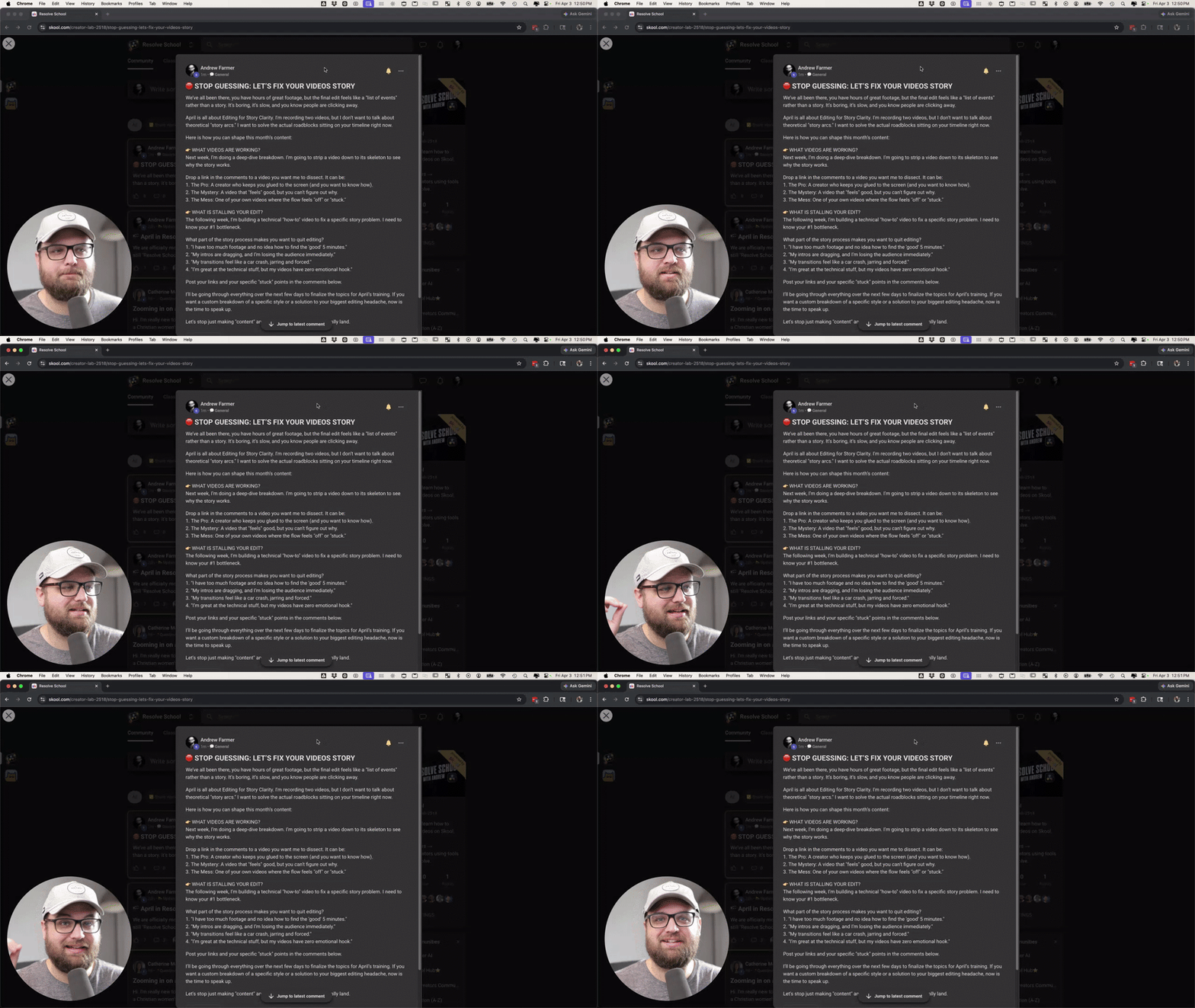
🛑 STOP GUESSING: LET’S FIX YOUR VIDEOS STORY
We’ve all been there, you have hours of great footage, but the final edit feels like a "list of events" rather than a story. It’s boring, it’s slow, and you know people are clicking away. April is all about Editing for Story Clarity. I'm recording two videos, but I don’t want to talk about theoretical "story arcs." I want to solve the actual roadblocks sitting on your timeline right now. Here is how you can shape this month’s content: 👉 WHAT VIDEOS ARE WORKING? Next week, I’m doing a deep-dive breakdown. I’m going to strip a video down to its skeleton to see why the story works. Drop a link in the comments to a video you want me to dissect. It can be: 1. The Pro: A creator who keeps you glued to the screen (and you want to know how). 2. The Mystery: A video that "feels" good, but you can't figure out why. 3. The Mess: One of your own videos where the flow feels "off" or "stuck." 👉 WHAT IS STALLING YOUR EDIT? The following week, I’m building a technical "how-to" video to fix a specific story problem. I need to know your #1 bottleneck. What part of the story process makes you want to quit editing? 1. "I have too much footage and no idea how to find the 'good' 5 minutes." 2. "My intros are dragging, and I’m losing the audience immediately." 3. "My transitions feel like a car crash, jarring and forced." 4. "I’m great at the technical stuff, but my videos have zero emotional hook." Post your links and your specific "stuck" points in the comments below. I’ll be going through everything over the next few days to finalize the topics for April’s training. If you want a custom breakdown of a specific style or a solution to your biggest editing headache, now is the time to speak up. Let's stop just making "content" and start making stories that actually land.
Pinned
3d •
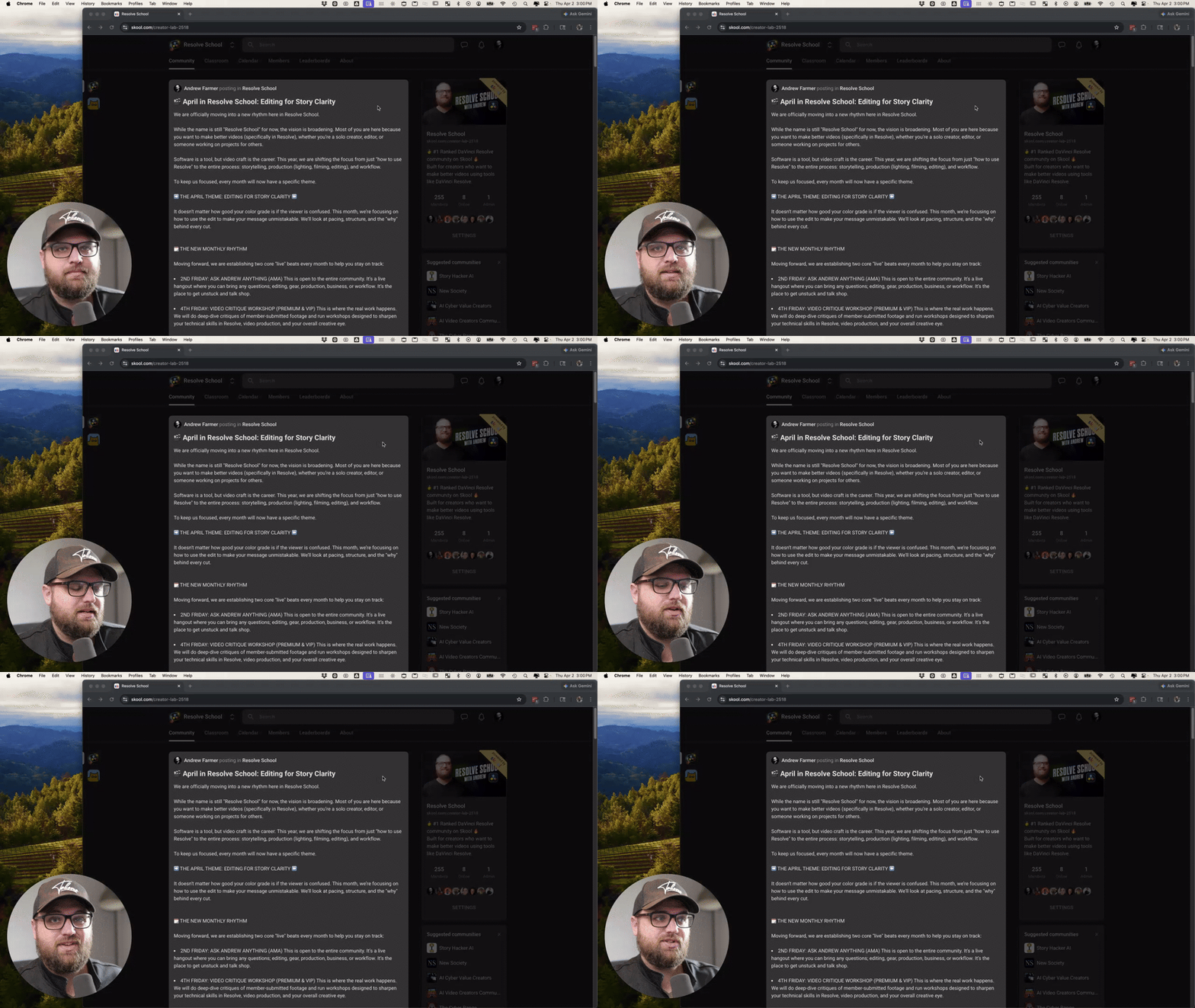
🎬 April in Resolve School: Editing for Story Clarity
We are officially moving into a new rhythm here in Resolve School. While the name is still "Resolve School" for now, the vision is broadening. Most of you are here because you want to make better videos (specifically in Resolve), whether you’re a solo creator, editor, or someone working on projects for others. Software is a tool, but video craft is the career. This year, we are shifting the focus from just "how to use Resolve" to the entire process: storytelling, production (lighting, filming, editing), and workflow. To keep us focused, every month will now have a specific theme. ➡️ THE APRIL THEME: EDITING FOR STORY CLARITY ⬅️ It doesn't matter how good your color grade is if the viewer is confused. This month, we’re focusing on how to use the edit to make your message unmistakable. We’ll look at pacing, structure, and the "why" behind every cut. 🗓️ THE NEW MONTHLY RHYTHM Moving forward, we are establishing two core "live" beats every month to help you stay on track: - 2ND FRIDAY: ASK ANDREW ANYTHING (AMA) This is open to the entire community. It’s a live hangout where you can bring any questions; editing, gear, production, business, or workflow. It’s the place to get unstuck and talk shop. - 4TH FRIDAY: VIDEO CRITIQUE WORKSHOP (PREMIUM & VIP) This is where the real work happens. We will do deep-dive critiques of member-submitted footage and run workshops designed to sharpen your technical skills in Resolve, video production, and your overall creative eye. 👉 WHAT’S COMING THIS WEEK I am committing to releasing two core teaching videos every month for you: a Video Breakdown (analyzing why a video works) and a Skill Training (a practical "how-to" system). Tomorrow, I’ll be posting a specific thread about these videos. I want you involved in the process, so I’ll be explaining exactly how you can help shape the content and get your own questions answered in those videos. MY INTENTION FOR THIS COMMUNITY

8d •
Holy Shit - This worked! How to copy attributes & a bit of fussion
I'm placing this here more for me to remember how to do this. But I thought this might help someone else. And hey, if you got a better way of doing this, help out a bud. The Goal - to make a bunch of shorts that have a text message floating off the phone. To easy right? Well... maybe not. Things I learned: Resolve is NOT Photoshop! How to add text in fusion (Easy Peasy) and how to copy attributes.. I had no idea you could do that! Can you say exited? 😄


🔥
10d •
Zooming in on a video before editing??
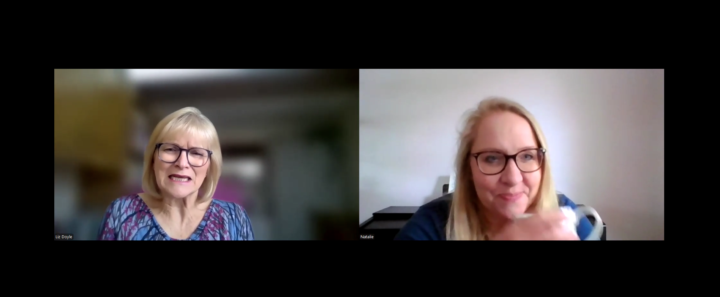
Hi. I'm really new to all this so forgive me if this is a basic question. I am co-ordinating a Christian women's conference in a few weeks. It wil be in person, about 150 attendees. Instead of speakers, we are having interviews and one of the ladies cannot make it on the day so she has been interviewed online and that recording has been sent to me to edit. I didn't realise they would both be on screen and so I need to cut the video down by about half (its currently 11 mins and I need it to be 6. Then I also want to put only the interviewee (the author on the right) on screen but keep the audio for the whole video. Can that be done? Is it a real faff? should I be thinking about it differently? Thanks!
1-30 of 139
powered by
Suggested communities
Powered by