
Pinned

16d •
NEW UPDATE for AI Animation Masterclass - Live Replays + Notes
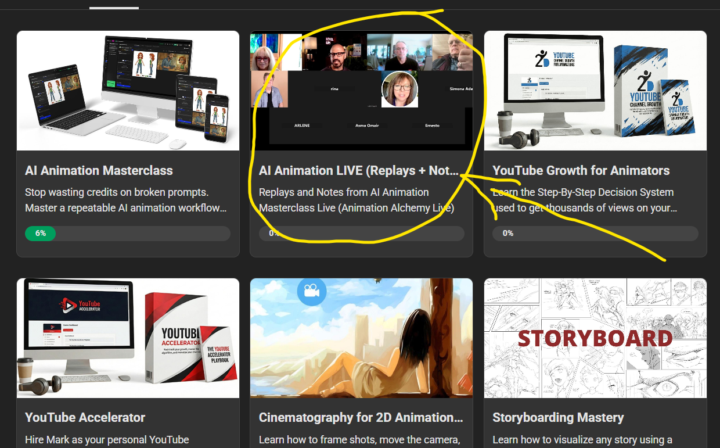
Ok guys, this one I am really excited about. Live replays just got a serious upgrade available for VIP users in the AI Animation Masterclass. From now on, every live class gets uploaded into its own dedicated section inside the Classroom, with a proper title based on what we actually covered in that session. No more hunting around trying to figure out which replay is which! But here is the part I am most excited about. Each replay now comes with notes. I recently signed up for Rev.com, which uses AI to transcribe sessions and generate notes automatically. I have to be upfront with you: I will not be personally reviewing every set of notes before they go up. I will copy and paste what Rev produces. BUT, I reviewed the first one and honestly? I was impressed. The quality was good enough that I felt confident this is going to be genuinely useful for you. Here is what you get with every session: - Key Points so you can see the big takeaways at a glance - Notable Quotes with timestamps so you can jump straight to the good stuff - Detailed Insights with timestamps so you can dig deeper into the parts that matter most to you And here is a bonus I love → Because the notes live right below the video inside Skool, you can use the Skool search bar to find specific content across all the lessons. Looking for that thing I said about character consistency three sessions ago? Just search for it. Done. All of it is waiting for you right now in the Classroom. Check the screenshot below to see exactly where to find it! See you inside! 🎬
Pinned
19d •
🎬 AI Film Festivals & Contests: Free Portfolio Builders with Real Prize Money
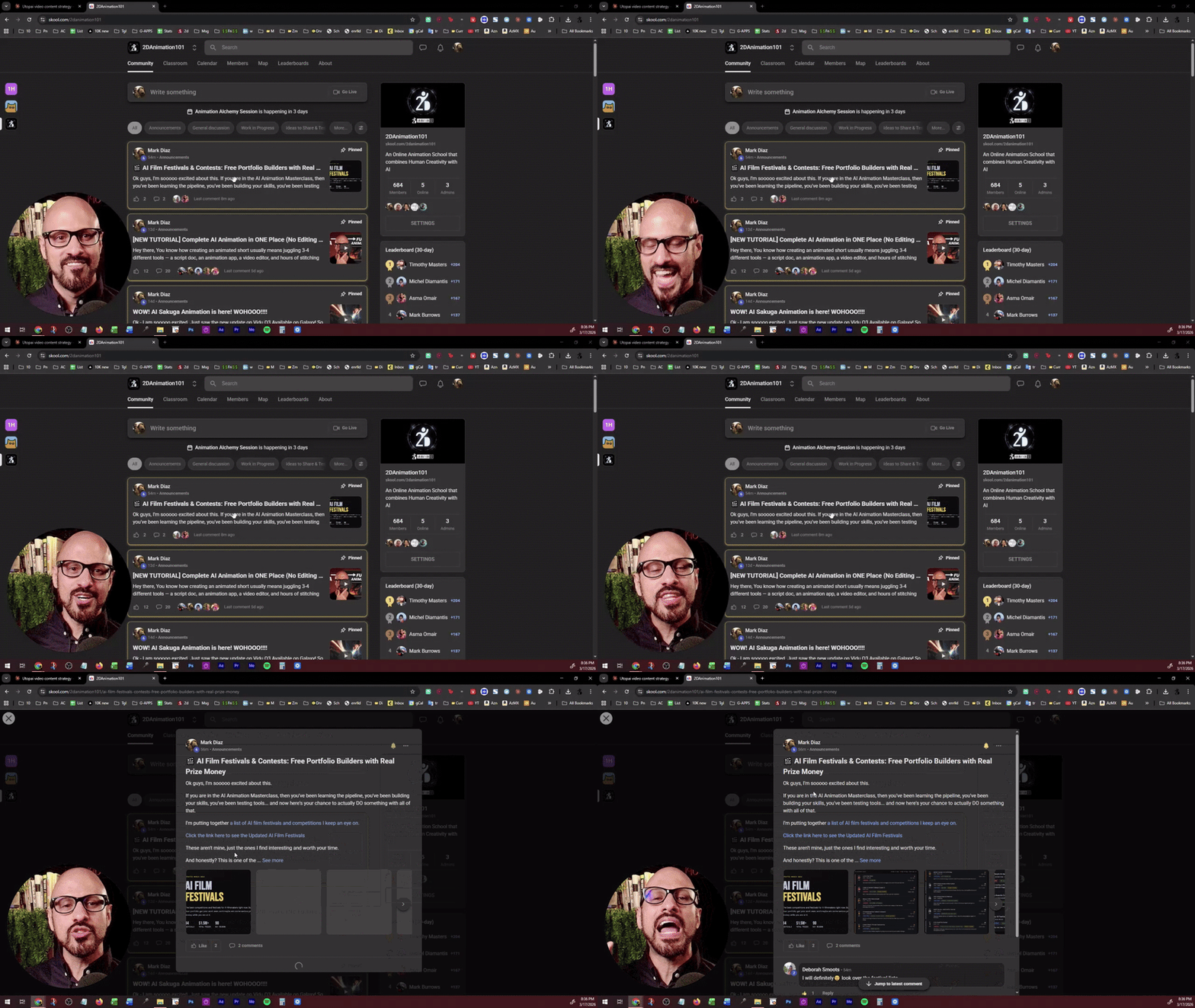
Ok guys, I'm sooooo excited about this. If you are in the AI Animation Masterclass, then you've been learning the pipeline, you've been building your skills, you've been testing tools... and now here's your chance to actually DO something with all of that. I'm putting together a list of AI film festivals and competitions I keep an eye on. Click the link here to see the Updated AI Film Festivals These aren't mine, just the ones I find interesting and worth your time. And honestly? This is one of the best things you can do right now as an AI director. - Even if you don't win, your work gets seen. - Festivals screen your films to judges, audiences, and industry people. - That visibility is GOLD when you're just building your portfolio. - You can enter solo OR team up with someone from our community. - Make a short film, an ad, an experiment. It all counts. And from my experience? Winning isn't even the point! → The deadline forces you to FINISH something. And a finished film, even an imperfect one, is worth a thousand ideas stuck in your head. So if you've been saying "I'll submit something someday," today is a great day to start. Pick a deadline and work backwards. That's how you become a director, not just someone who talks about making films. Drop a comment if you're thinking about entering one. I'd love to cheer you on! 🙌
Pinned
Mar 4 •
WOW! AI Sakuga Animation is here! WOHOOO!!!!
Ok - I am sooooo excited. Just saw the new update on Vidu Q3 Available on Galaxy! So if you use Galaxy, you can now do Sakuga This is the prompt I used: "Epic explosive sword fight, intense camera moves, explosive moves, anime, sakuga style, intense." If you use Galaxy, try using my image, or the one by @Rina Waithera , or one of your own, and go to: 1. AI Video Generator 2. Select Image to Video 3. Click on the model, and search for "Vidu", and select Vidu Q3 4. Use a prompt that asks for intense sakuga style animation This is the prompt I used: "Epic explosive sword fight, intense camera moves, explosive moves, anime, sakuga style, intense." NOTE: It is relatively "expensive", it costs around 1.28M Credits for 8 sec in Galaxy ($1.28 USD) And directly in Vidu.com it appears to be a tiny bit cheaper... at $1.13 USD for 8 sec animation.
2d •
Module 3 Is LIVE. This is where your animation stops falling apart
If you have ever generated a great shot, felt excited, moved on to the next panel, and watched your character turn into a completely different person... this module was built for you. Module 3 is all about one word: Consistency. - Character consistency - Background consistency - Prop consistency - Wardrobe (clothes) consistency - Style consistency - Sound, Music, Voice Consistency All of it, shot by shot, the way a real director controls a production. If you are part of the AI Animation Masterclass... Access Module 3 here Here is what you are walking into: - You will build your Director's Reference System. Character reference sheets, prop reference sheets, wardrobe sheets. You will learn the exact prompts to generate them, and then use them as your source of truth across every panel you create. No more guessing. No more hoping the AI remembers what your character looked like three shots ago. - You will learn to work with 3D environments for background consistency. Using Marble, you will scout virtual locations the way a real filmmaker scouts a set. You will find your angles, plan your shots, and create a background that stays consistent across the entire scene. You will even learn how to add elements directly into a 3D space using Nano Banana, and how to connect two separate 3D sets so your story moves seamlessly between locations. - You will get a lesson that most tutorials completely skip. Your audience is smarter than you think. You do not need to show every single detail of the action. You do not need to animate a sword handoff, a transformation, or a complex object pass. You just need to show enough for the story to land. As a director, your job is to choose what people see, not to force the AI to do things it cannot do. This is one of the most freeing ideas in the whole course. - You will learn which platforms let you reference specific images. Freepik, Galaxy, Higgsfield, Dzine, OpenArt. You will know exactly which tools support the kind of image-locked consistency workflow this module teaches.

2d •
New Marble much improved, not perfect
I got a Discord notice this morning that Marble had just dropped a new version, so to satisfy my curiosity I tried it from a great pano that previously produced a horrid world. I was very impressed. I get the feeling that they are now using a much finer mesh, though that's just my guess. I say that because complex objects with a lot of shape detail have gone from completely unusable to respectable (if not perfect). Since we now know that OpenArt's world creation uses Marble's engine, I have to wonder if they are using the new version. I still have some Marble credits to use before I switch to OpenArt for world creation.
1-30 of 484
Leaderboard (30-day)
1
+113
2

+110
3

+99
4

+97
5

+51
Powered by